Use the GPU
you already have.
Scale in the cloud.

Click to segment. Detect and classify with local AI, including zero-shot models. Scale with cloud AI, review with your team, then export or train with Vast.ai.

No credit card required.

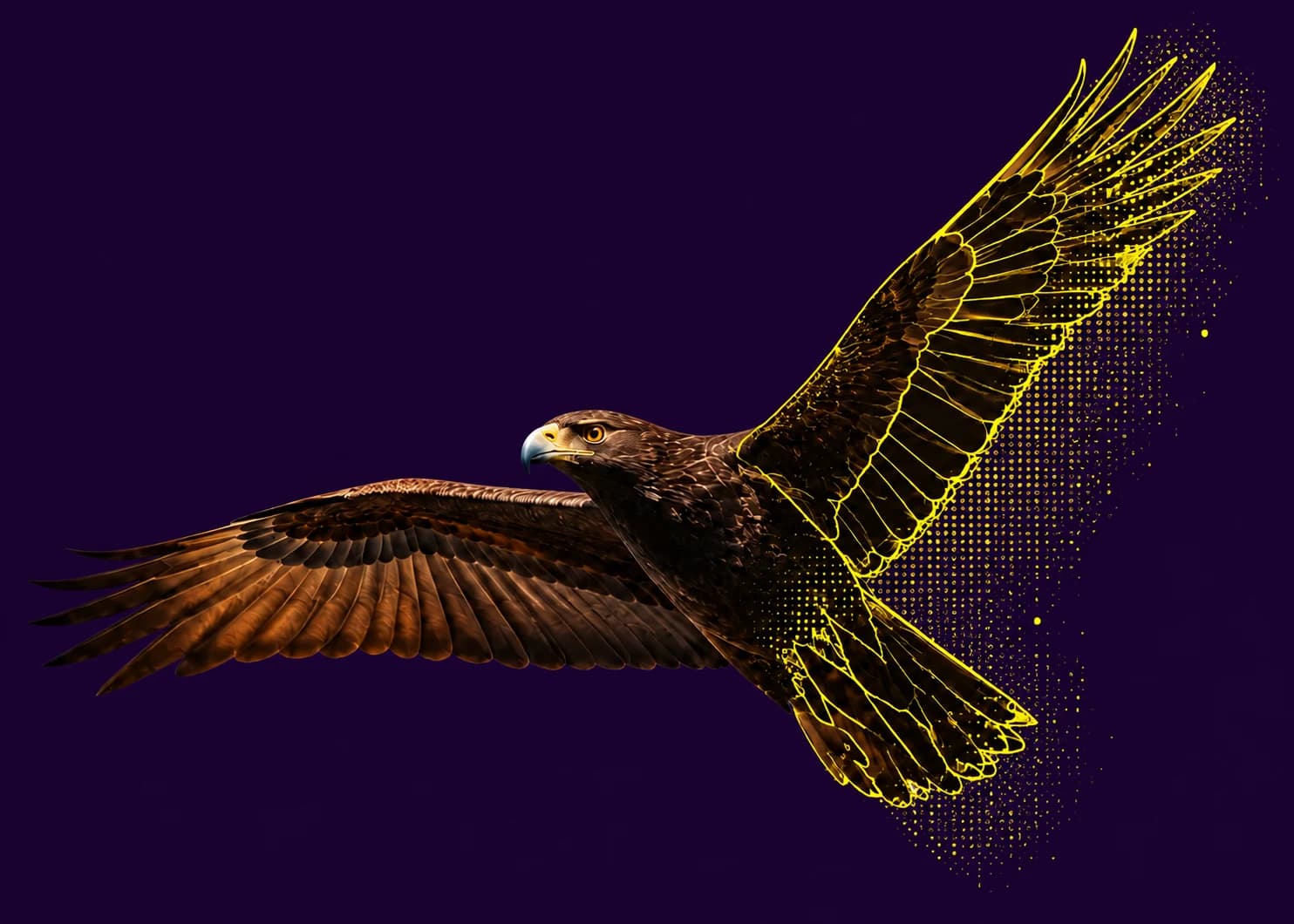
An eagle in flight transforms from a photograph into annotation outlines and points.
  1. Label

    Start with local or cloud AI. Refine every annotation.

  2. Review

    Assign images and bring your team into the review.

  3. Export or train

    Export your dataset, or train with your own Vast.ai account.

The LabelOp workspace

Your workflow.
In one workspace.

Start with annotations. Use local or cloud AI, review the results, then export your data or continue into training.

Choose a feature to explore the workspace

On your device

A click becomes a mask.

Create segmentation annotations with clicks, or select an object and find similar ones in the same image. WebGPU accelerates these workflows on compatible devices.

Inside LabelOp
Click segmentationVideo placeholder
Select a label, click an object, and save the resulting mask as an annotation.
  • Click segmentation
  • Select Similar
  • Boxes, polygons & points

GPU acceleration depends on your browser and device. Supported workflows can fall back when it is unavailable.

On your device

Models run
in your browser.

Use WebGPU for click segmentation and similar-object search on compatible devices. Run supported local detection and classification models in the browser, including zero-shot models with your own labels.

WebGPUClick segmentationFind similar
Explore local AI
In the cloud

More images.
Same workflow.

Process image batches with managed Cloud AI detection or classification. Choose the image range and confidence threshold, then follow progress as annotations are saved to your project.

Object detectionImage classificationBatch labeling
See the included Cloud AI limits

Start free. Make room for more.

Start here

Free Tier

For your first datasets and small team projects.

$0forever

Get started free

Included in Free Tier

  • 3 team members · 2 projects
  • 2,500 images · 5 GB managed storage total
  • Managed cloud AI: 150 runs per day
  • Unlimited local AI-assisted labeling
  • Unlimited review workflows
  • All supported export formats
  • 3 version snapshots per project

Model training is available on both plans with your own Vast.ai account. Compute is billed by Vast.ai.

Compare all limits

A few things to know.

Which AI models are supported for batch labeling?

Use local detection and classification models, including zero-shot models with your own labels, or managed Cloud AI detection and classification. Batch controls include image ranges, confidence thresholds, and progress tracking. Click segmentation and Select Similar use WebGPU on compatible devices.

How do I assign annotation tasks to team members?

Create assignments for single images or ranges, set priority (low, medium, high, urgent), add due dates and instructions, and track completion. Assignees see their tasks in a queue with status, priority, and project filters. Owners and reviewers monitor progress, view annotator metrics, and reassign work. Every annotation links to its assignment.

How does collaboration and review work?

Invite teammates with owner, reviewer, or annotator roles, assign tasks, and filter queues by status, split, or assignee. When email delivery is configured, the service emails the invitation; otherwise the owner shares the generated invitation link manually. Audit logs and review workflows keep quality checks traceable.

Can I train custom models using GPU compute?

Yes, by connecting your own Vast.ai account. LabelOp helps browse offers and monitor jobs, but does not provide or resell the GPU. Vast.ai terms, availability, quota, and charges apply to the project owner's credential.

Can I audit dataset versions and roll back changes?

Create named dataset version snapshots from the project team area, compare two versions to see what changed, and use audit logs for traceability. Snapshots capture annotation state so you can align training releases with a specific checkpoint.

What export formats and integrations do you support?

Export to COCO JSON, YOLO, Pascal VOC XML, LabelMe JSON, CSV, TSV, CVAT XML, or JSONL in a single click. Exports preserve annotation metadata, confidence scores, and creator information. You can filter exports by label, split, annotator, or date range.

Is my data private and secure?

The hosted service uses access controls, encrypted transport, and encrypted saved provider credentials. No system can promise absolute security. Browser-side models can reduce third-party transfer, but you remain responsible for your device, storage provider, sharing settings, and backups.

How does LabelOp handle large datasets?

Free Tier and Pro include defined limits for team members, projects, storage, and cloud AI usage. Pro gives you more capacity for larger datasets and cloud labeling batches. Local AI runs in your browser, where available memory also affects the size of the work you can process.

Does LabelOp fund GPU usage?

No. LabelOp does not currently fund or resell GPU usage. You can connect a Vast.ai account and control provider-side budgets and limits yourself.

Your next dataset starts here

From a single image
to what comes next.

Local AI. Cloud scale. Human control.

Start labeling free