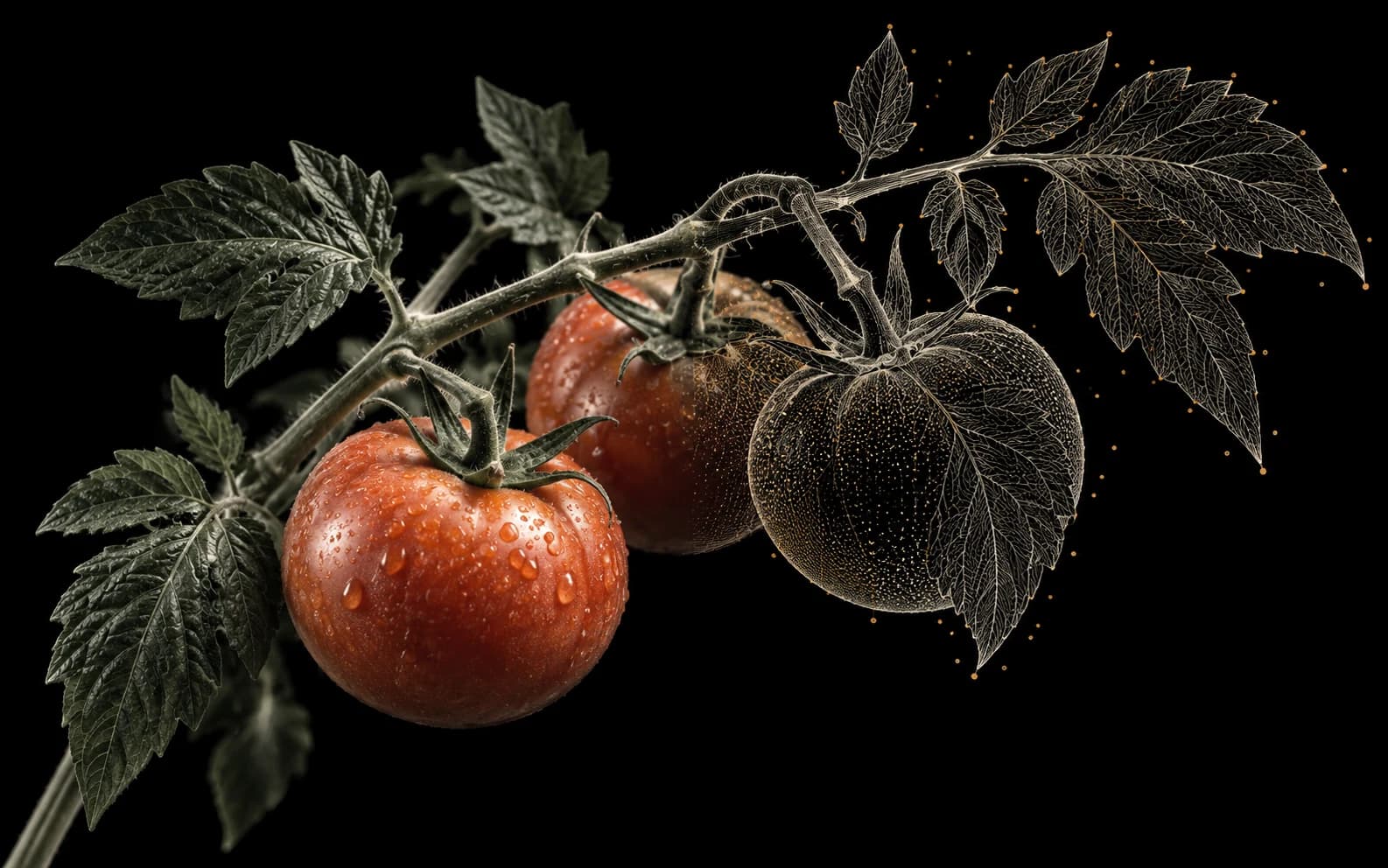
A fruit can be partly hidden by a leaf, a plant can fill most of the image, and the same crop can look different under changing light. An agricultural image dataset needs a consistent definition of what to label before the team starts drawing boxes or masks.
LabelOp provides general image annotation, AI assistance, review, and export tools for this work. It does not infer agronomic ground truth or provide a field-management system. Treat model suggestions as drafts to compare with your dataset policy.
Choose the unit of annotation
Decide whether you are labeling individual fruit, whole plants, visible leaves, or an image-level category. These are different tasks. A box around a tomato is not interchangeable with a class assigned to the entire image.
Write down what to do with partially visible objects, objects touching an edge, and objects that cannot be distinguished from the background. If the project needs maturity or damage categories, specify the visual evidence annotators should use and how uncertain cases are handled. Have the appropriate domain expert define those categories.
Try prompts and clicks on representative images
Use local zero-shot detection with candidate object names to explore whether a supported model finds the intended fruit or plants. Local classification lets you supply candidate image labels. Include cluttered foliage and small objects in the trial rather than judging the model from one clear photograph.
Click segmentation can help draft an object's visible region. Select Similar can look for candidates from a selected object within the same image. Both have WebGPU acceleration on compatible devices. Inspect the selected region and candidates before saving: a similar-looking leaf or highlight is not necessarily another instance of the target object.
Review before expanding the batch
LabelOp offers managed Cloud AI detection and classification batches, with controls for image range, confidence, and skipping existing annotations. Supported local models also have batch workflows. Compare their drafts with reviewed examples before committing the rest of the team's effort to correction.
Assign images and review annotations with approval or change-request notes. Check omitted objects as well as incorrect predictions. Keep the annotation policy consistent across different capture sessions and contributors.
Look at the distribution
Export a supported annotation file and inspect it with the Dataset Health Report to see class distribution and geometry findings. This tool uploads the selected file for server-side processing. A balanced count alone does not tell you whether the dataset represents the farms, lighting, or growing conditions relevant to your task.
When preparing evaluation sets, retain the capture-session or source-group information you need to avoid near-duplicate views across splits. The general COCO splitter can split annotations, but it does not automatically understand plot, plant, or season relationships.
Make the handoff reproducible
Save a project version before exporting. Check a small COCO, YOLO, or other supported export against the training pipeline's requirements, including category IDs and image dimensions. Keep the version and your annotation policy with the experiment records.
Continue in external tools, or connect your own Vast.ai account for supported training jobs in LabelOp. Managed Cloud AI labeling uses the plan’s allowance; Vast.ai GPU training is billed separately by Vast.ai.