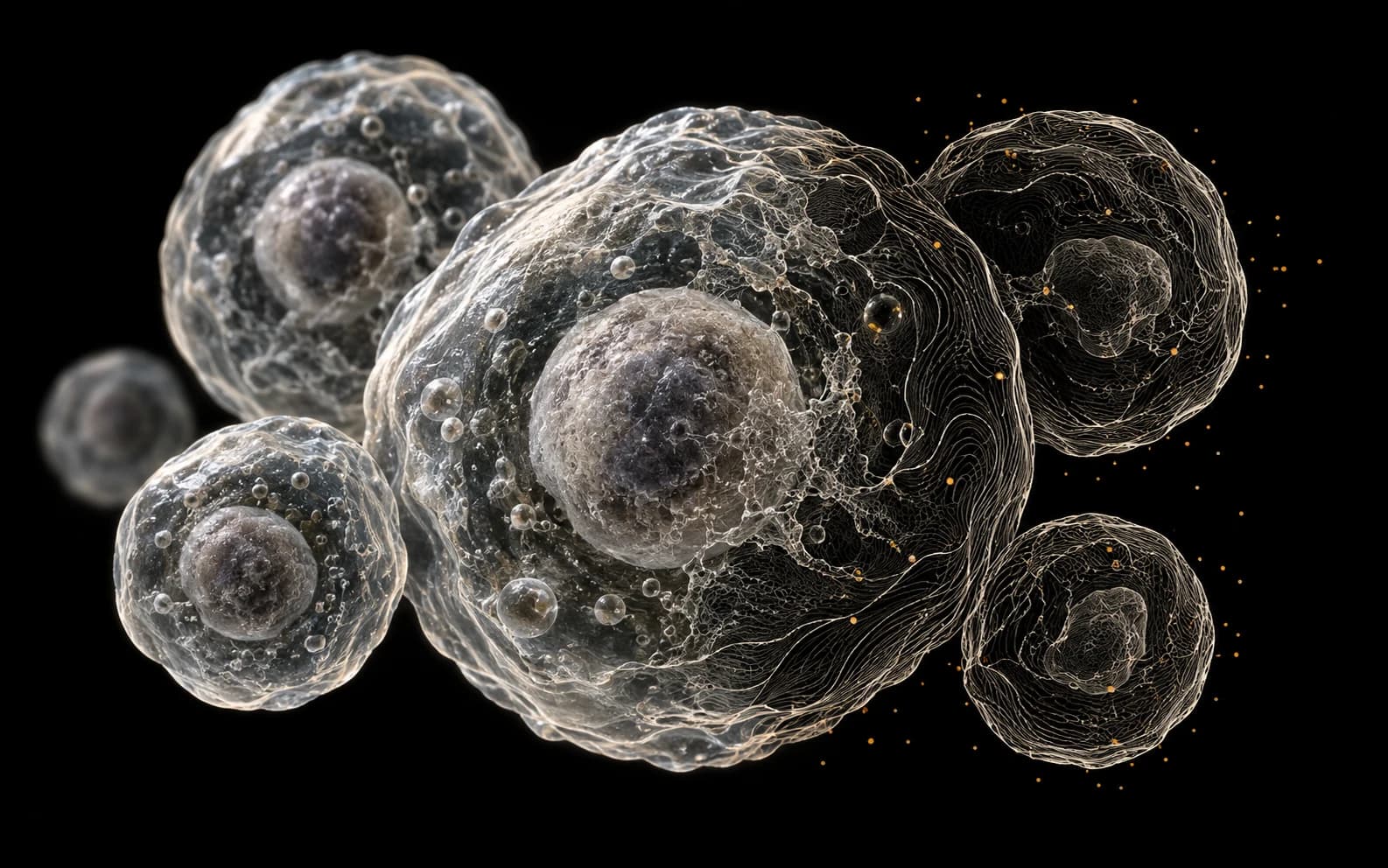
A research annotation is useful when another member of the team can understand what was marked and why. For microscopy-style image datasets, that means defining the object, its visible boundary, and how to handle uncertain examples before labeling at scale.
This guide covers general image annotation in LabelOp. It does not describe diagnostic interpretation, a clinical validation workflow, or a dedicated medical-image viewer. The illustration above is conceptual artwork rather than a patient image or model result.
Begin with the research protocol
Define the categories your study needs and the visual evidence required for each label. For a cell-image project, a policy might specify how to treat touching objects, truncated objects at an image edge, and regions where boundaries cannot be resolved. The appropriate rules come from the research team and its domain experts.
Keep a small set of representative examples alongside the protocol. When two reviewers disagree, refine the written rule before carrying that disagreement into a larger batch. A separate protocol document is useful; LabelOp does not automatically establish scientific ground truth.
Match the annotation to the output
Use boxes to locate an object and polygons or click-assisted segmentation to describe a visible region when that representation fits the study. LabelOp's WebGPU-accelerated click segmentation can help create a draft on compatible devices. The result still needs inspection against the source image.
General-purpose local and zero-shot models should be assessed on your own examples before batch use. Their availability does not imply validated performance on a particular research domain. If a model's suggestions create more correction work than manual annotation, use the manual tools for that dataset.
Keep review explicit
Assign images and use reviewer roles to separate annotation from review. Annotations can be approved or returned with a note. Use those notes to identify ambiguous boundaries or inconsistent category choices rather than accepting a plausible-looking mask by default.
Saved project versions and version comparisons can help you inspect annotation changes as the dataset evolves. Record which dataset version was used for each experiment in your research records. Version comparison is useful for change inspection; it is not a substitute for the study's recordkeeping requirements.
Understand where processing happens
Supported local models run inference in the browser, but hosted project storage and collaboration still involve network access. Managed Cloud AI uses server-side processing. Local inference alone should not be interpreted as an entirely offline or on-premise deployment.
Use only images your organization permits in the chosen environment. This article makes no claim that LabelOp supplies a particular clinical certification, de-identification process, or medical file-format workflow.
Validate the export before the experiment
Export a reviewed subset and inspect image references, label names, and annotation geometry in the downstream tools you plan to use. Keep the study's subject or specimen grouping rules when preparing training and evaluation sets; the general dataset splitter does not infer those relationships.
You can inspect dataset versions and health workflows or export the dataset for your research pipeline. Model training through your own Vast.ai account is a separate workflow with separate GPU billing.